
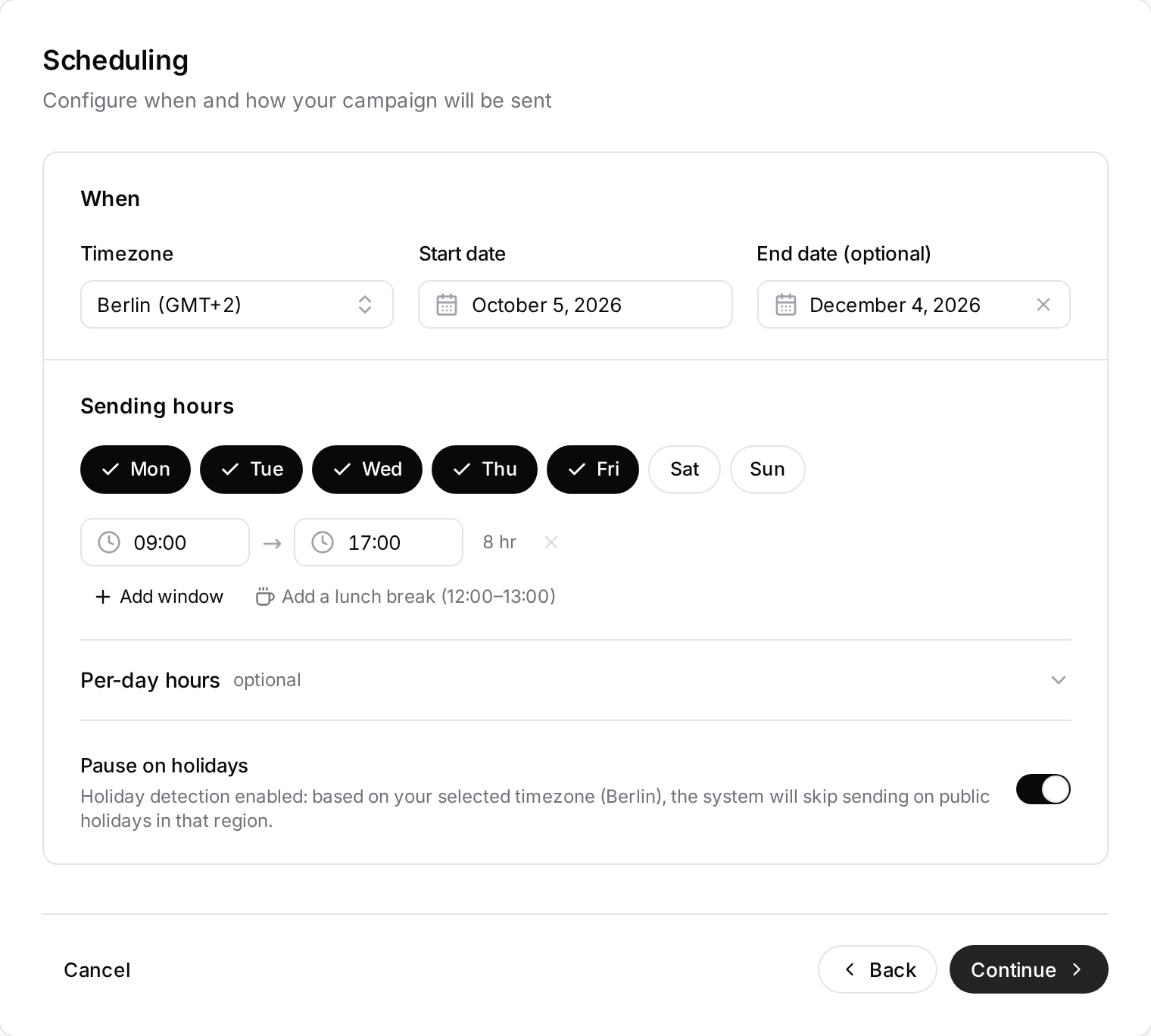
In the Scheduling step:
- Timezone: all of the campaign's times follow this timezone (Istanbul by default). Emails are not adjusted to each recipient's local time; if your recipients are in another timezone, set the campaign timezone to theirs.
- Sending days and hours: Monday–Friday, 09:00–17:00 by default. With Add window you can define several windows a day, add a lunch break, or use Per-day hours.
- Pause on holidays: no sending on public holidays of the timezone's country.
- Start date and End date (optional): with no end date the campaign runs indefinitely.
Emails go out at random moments within your windows, with gaps between them; they are not all sent at once. How many go out per day is set by your domain's warm-up.
For a running or paused campaign, change these settings with Sending hours on the campaign page. Pending sends outside the new schedule move to the next valid window; follow-up delays are not shortened. Start and end dates do not change here. If the campaign is being processed when you save, try again shortly.