
When emails are written in the recipient's language, say German for a distributor in Germany, you can check a draft by reading it in your own language.
- On Generate Emails, open an email, or use Open in Focus Mode.
- Click Translate above the email.
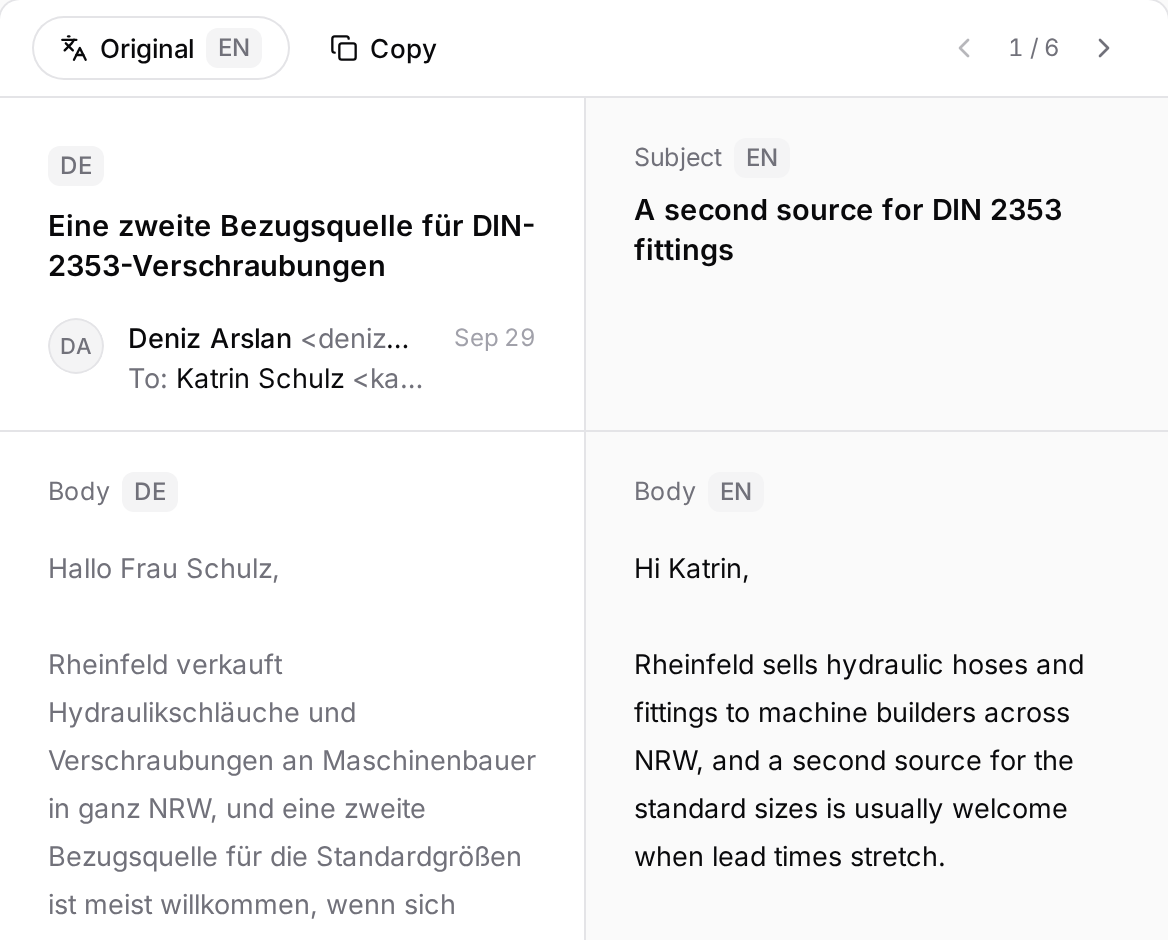
- The translation opens next to the original: the original subject and text on the left, the translation on the right, each with a language tag.
- To close it, click the same button, now Original.
The translation is only for you to read. The recipient always gets the original; the translation cannot be edited or sent. To change something, edit the original.
If you edit the original while the translation is open, the page says "Original text was edited — translation may be outdated." Click Retranslate to bring the translation up to date.
The translation is into the app's interface language, and Translate only shows when the email's language differs from it. Translations do not use up an allowance of their own, and translating the same email into the same language counts once. If the translation limit is reached, the app says so and keeps showing the original.