
You need the Owner or Admin role to invite members.
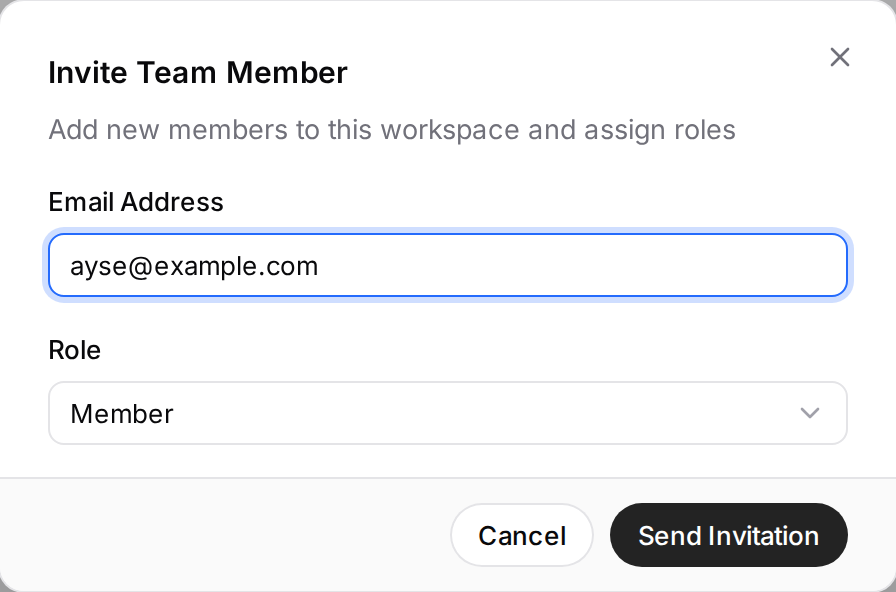
- On Settings › Team, click Invite Member.
- Enter one or more email addresses (separate them with commas or semicolons).
- Choose the role (Admin, Member or Viewer) and send the invite.
The person receives an email, signs up through the invitation and joins the workspace. Invites are valid for 7 days; those not yet accepted show under Pending Invitations and can be withdrawn with Cancel Invite.
If the invite email did not arrive, ask the person to check their spam folder; if needed, cancel the invite and send it again. A second pending invite to the same address is not possible.
To remove a member, choose Remove from the menu on their row. A removed person cannot get back in without a new invite.