
The Your subscription section on Settings › Plan shows:
- your plan and its status (active, cancelled, payment pending and so on),
- the next payment and renewal date,
- how much Company discovery, AI personalization and Email sending is left this period. An allowance that has run out shows Quota used up.
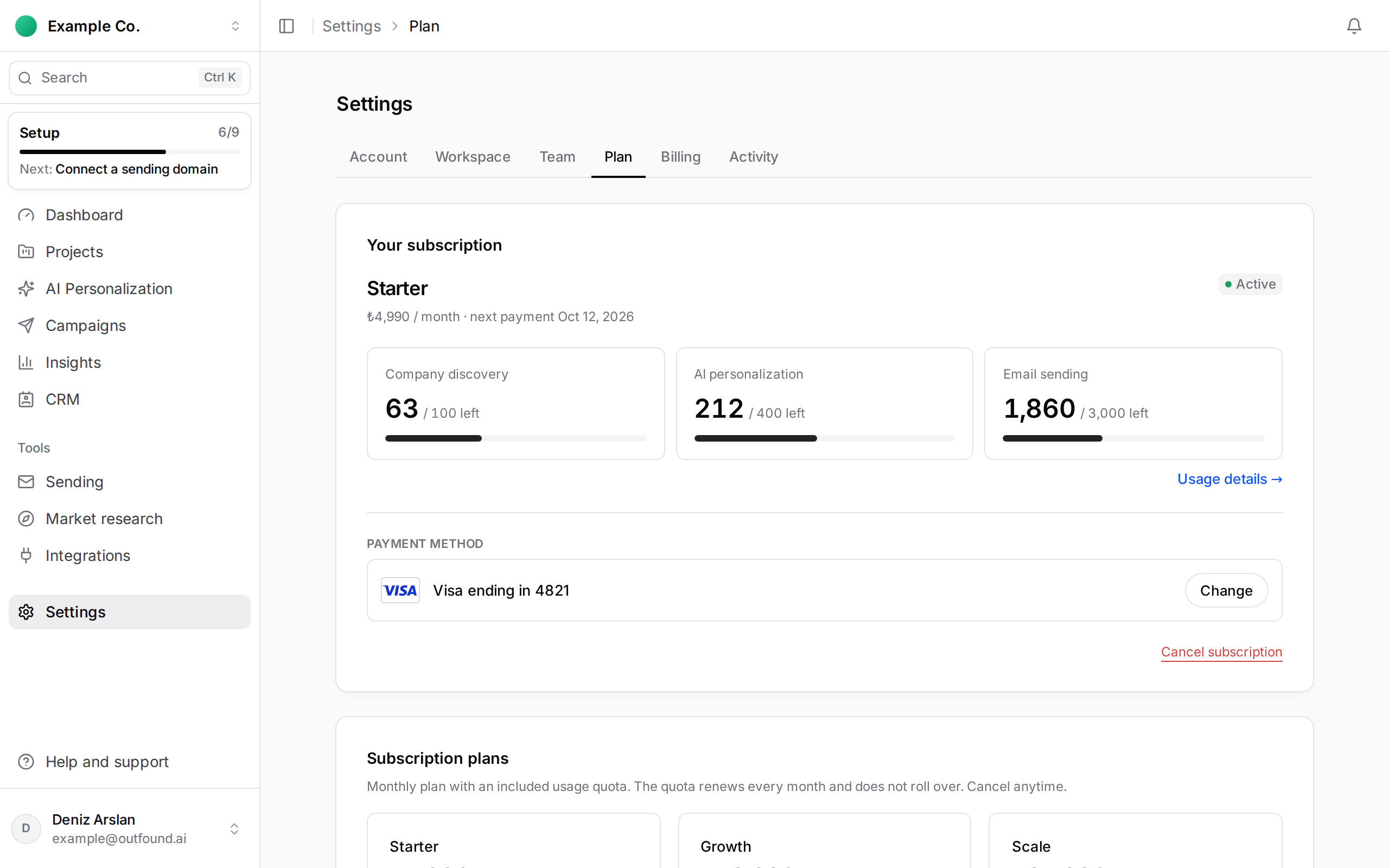
Click Usage details to see each use of an allowance; it opens Settings › Activity › Usage, where you can also download the list as CSV. Subscription starts, renewals and plan changes are listed under View history.
When an allowance runs low the page warns you; you can upgrade to avoid interruptions. When you start a discovery, the project chat also tells you if the remaining allowance does not cover the target.