
A new list does not need a strategy built from scratch; you can copy another list's. There are two ways.
From the list that has the strategy:
- In AI Personalization, open the list with the strategy and click Strategy details.
- Press Copy to another list and pick the list. Only lists without a strategy yet are offered.
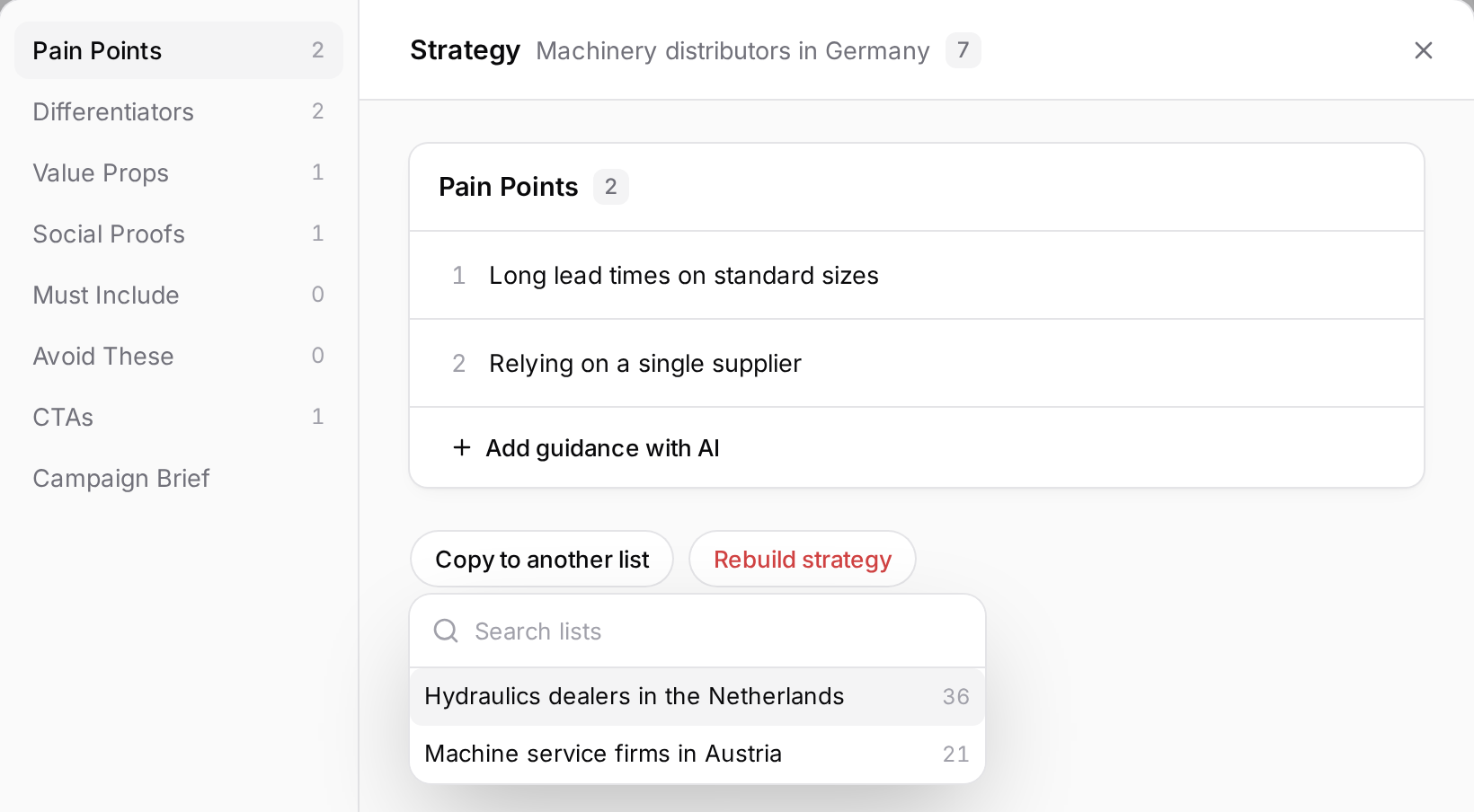
From the new list: when you select a list without a strategy, switch to Start from an existing strategy and pick the list to copy from. The option shows when another list in the workspace has a strategy.
Either way, the pain points, differentiators, value propositions, social proof, calls to action, campaign brief and your rules are copied. The source list's chat, lead research and last sample email are not. The target market in the campaign brief is adapted to the new list's country, which takes a few seconds.
The copy is independent: changing one never changes the other. The copied strategy starts unapproved on the new list; review the sample email and approve it with Approve strategy.