
The Setup checklist looks at the real data in your account to show whether each step is done; you never tick a step yourself. The menu shows the Next step.
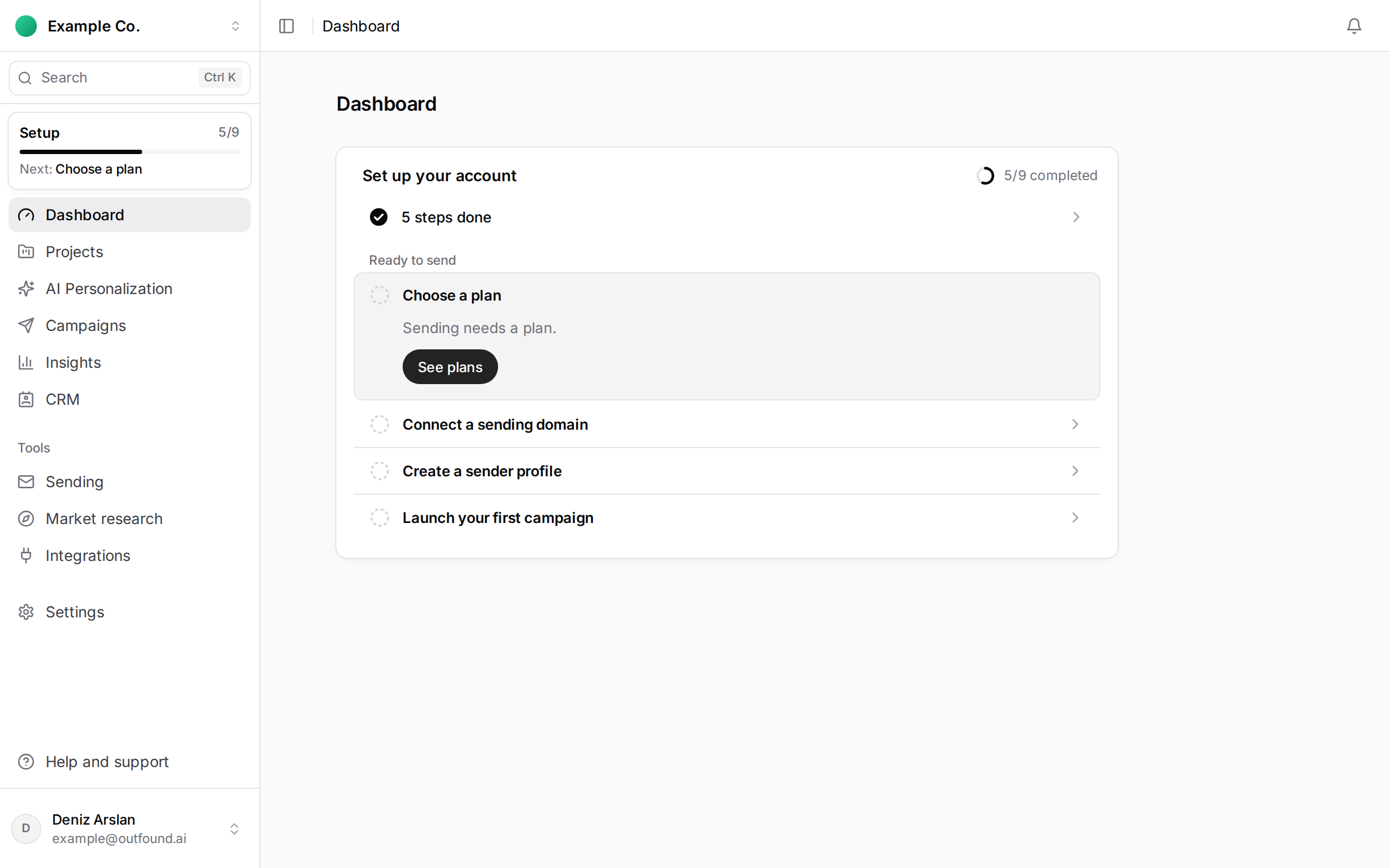
Your workspace
- Introduce your company: save your website.
Your first result
- Create your first project.
- Find a lead list: run your first discovery with the copilot.
- Approve your first email: review and approve an email the AI wrote.
Ready to send
- Enter your billing details: legal name, country and tax number.
- Choose a plan: sending needs a subscription.
- Connect a sending domain: done once the DNS records are verified.
- Create a sender profile.
- Launch your first campaign.
The sending steps go in this order because each needs the one before: a plan needs billing details, a domain needs a plan, and a sender profile needs a verified domain. When every step is done, the list says setup is complete and leaves the menu.