
The default stages are New, Qualified, Contacted, Replied, Meeting, Proposal, Won and Lost.
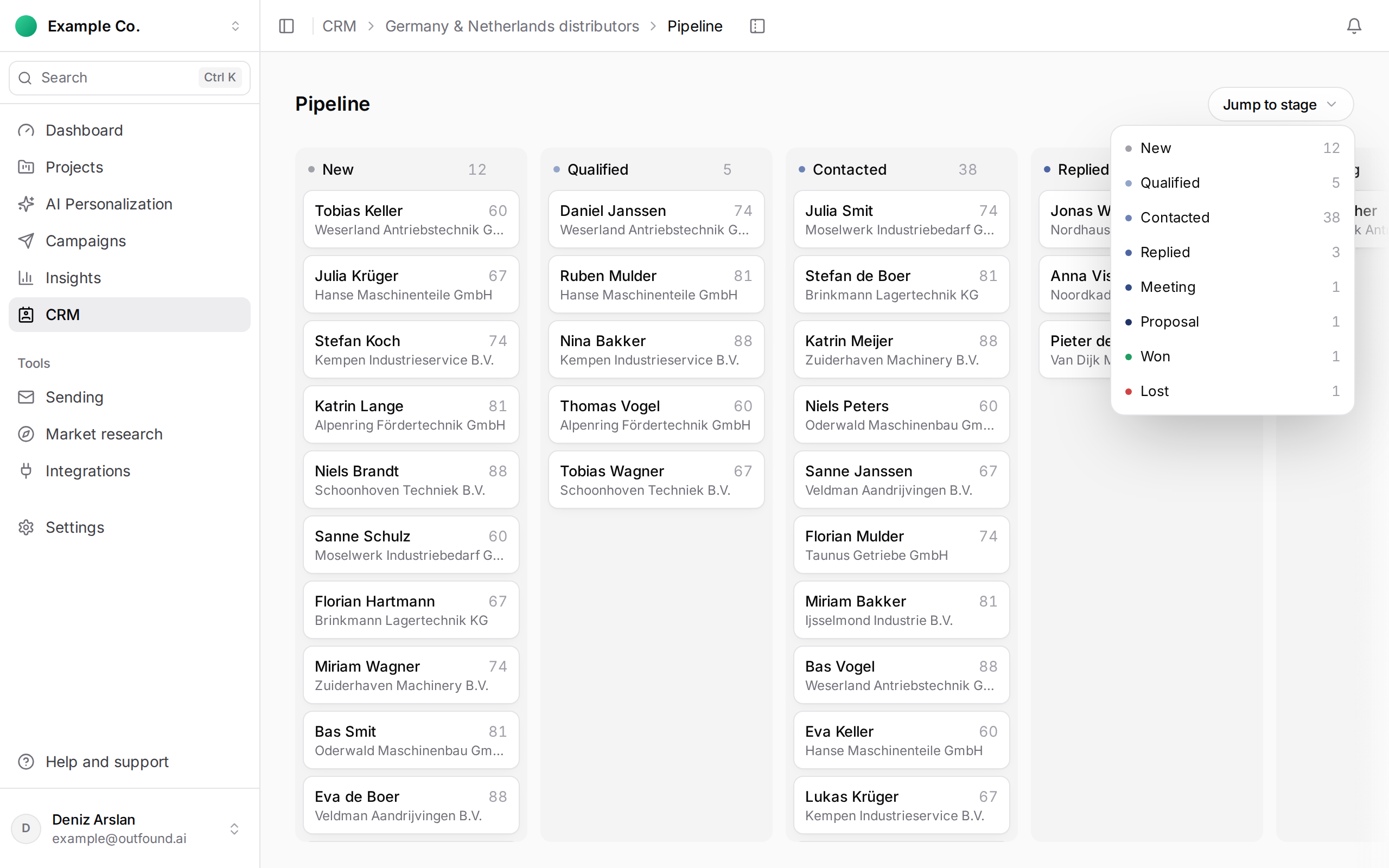
Automatic moves:
- When an email is sent to a person in New or Qualified, they move to Contacted.
- When they reply, they move from Contacted to Replied.
- Someone in a later stage is never moved back automatically.
You set Meeting, Proposal, Won and Lost yourself:
- On desktop, drag and drop the card on the Pipeline board.
- Or open the person and use Change stage; in All leads you can change stages in bulk.
To customise stages for a list, open List settings › Pipeline stages; add a stage with + Add stage and choose the stage for newly added leads with Default stage.