
Replies to your campaigns are collected in CRM › Replies. Each reply is linked to the conversation of the email you sent; when you open the person, you see the emails sent and the replies together.
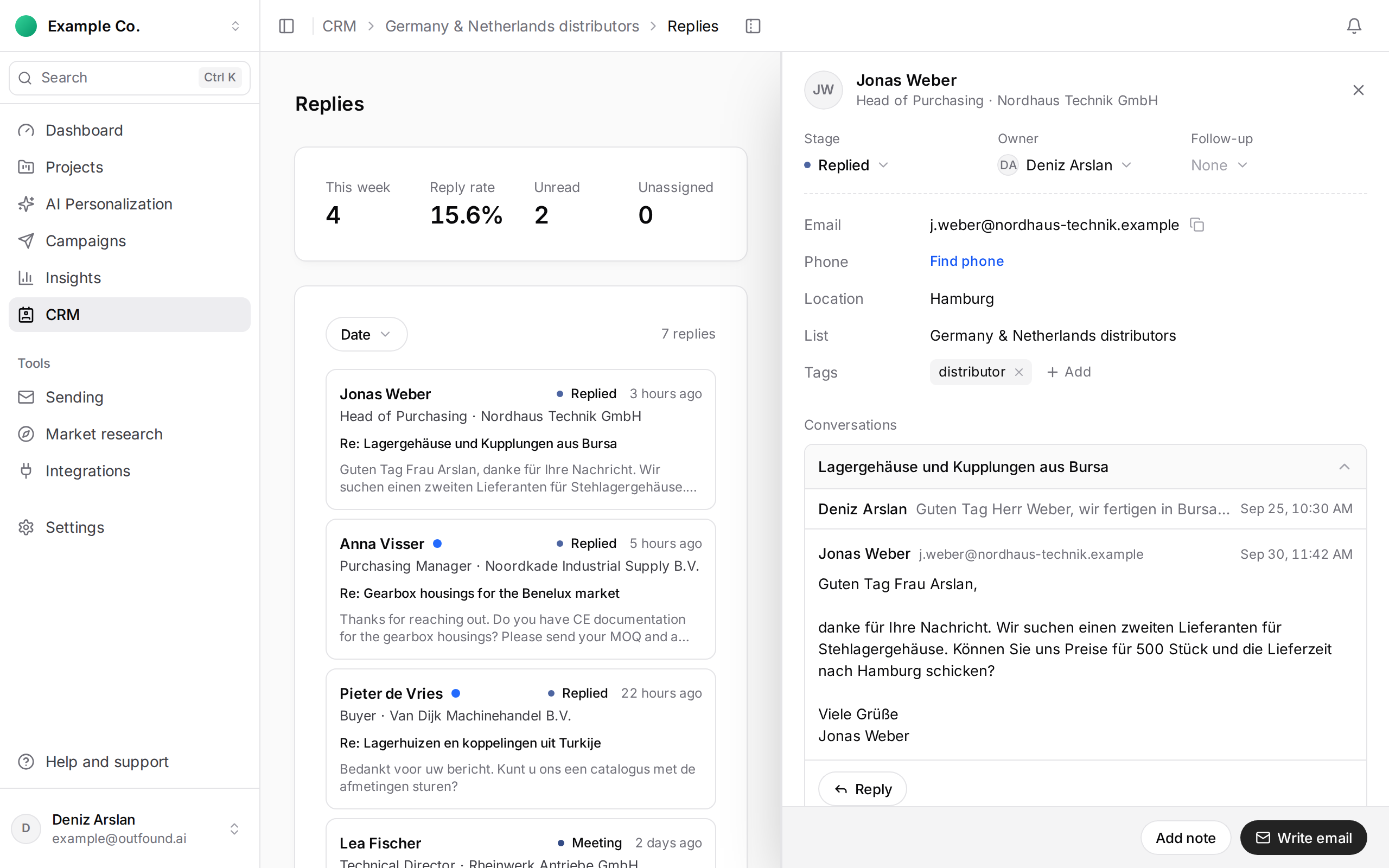
To answer:
- Open the person, expand the conversation by clicking its subject, then click Reply.
- The sender in From is pre-selected (first choice: the address you last sent to this person from). Change it if needed.
- Write your message, or use Suggest AI draft and edit the draft.
- Press Send.
Your answer goes out as part of the same conversation from your sending domain; the signature comes from the sender profile and the footer is added automatically.
You set the person’s pipeline stage. A copy of each reply is also forwarded to the address in the sender profile.