
Outfound never sends an email you haven't seen. Only approved leads will be used in campaigns.
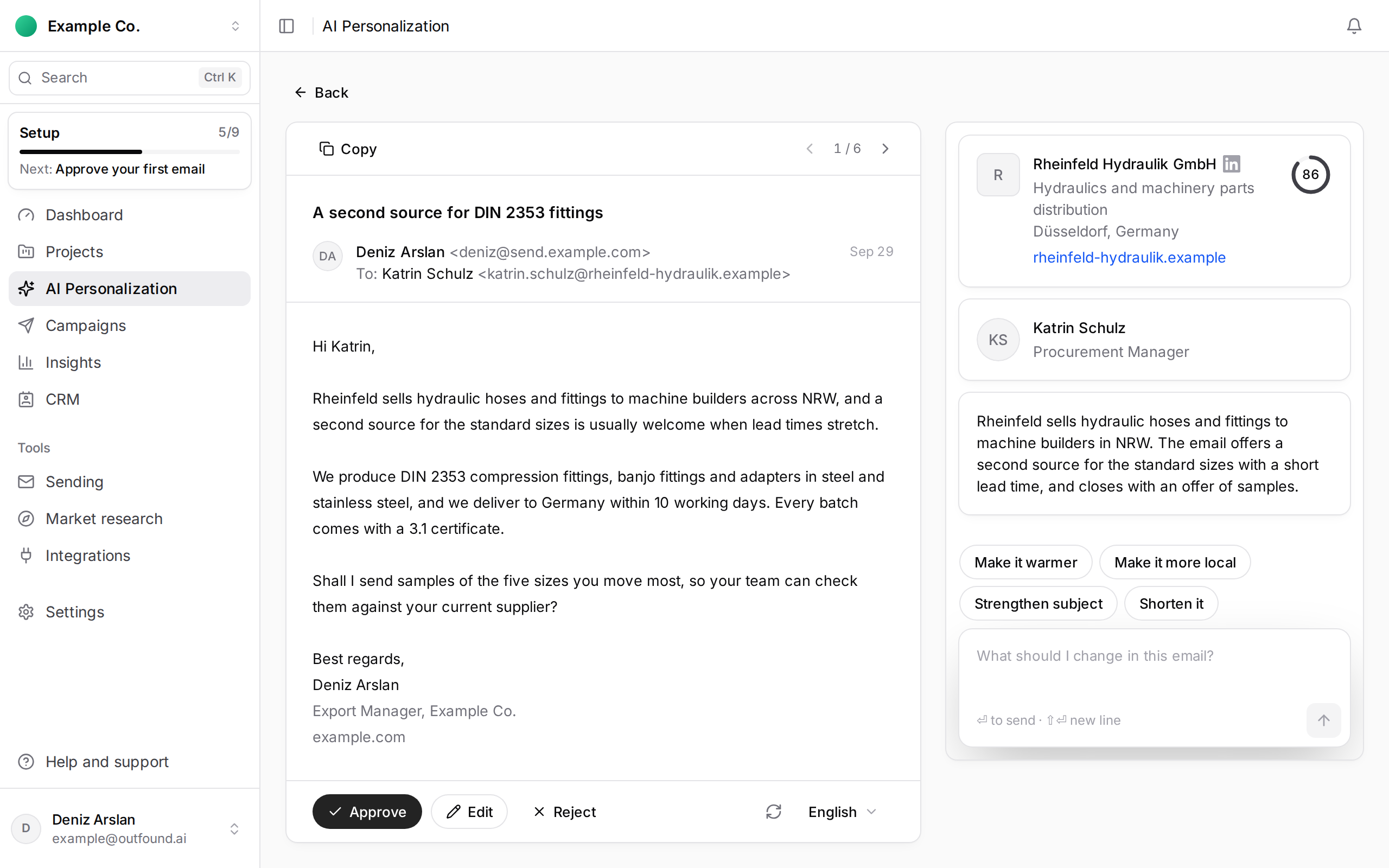
On Generate Emails, for each draft:
- Approve: the email is ready to be used in a campaign.
- Reject: this person does not go into the campaign.
- If needed, Edit or Regenerate first.
If you have checked every draft, Approve All approves them in one go.
Approving your first email completes the Approve your first email step of the setup checklist.
Approved emails show locked in the campaign wizard's sequence step and cannot be edited there. If you want changes, make them on Generate Emails before creating the campaign.