
On Sending › IPs, under Dedicated IP, each dedicated IP has a card with its domain, IP address, status and end date.
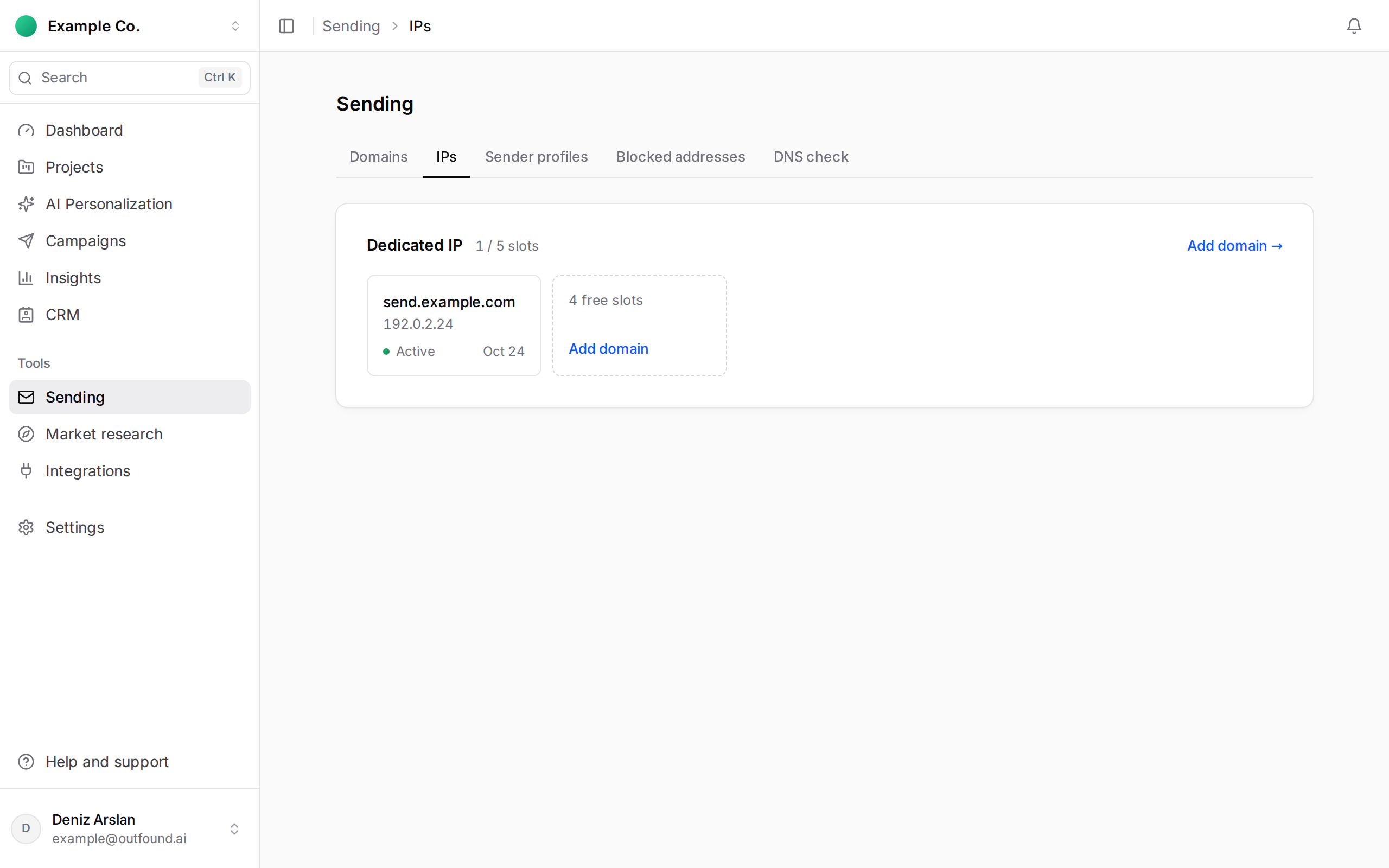
The statuses a card can show:
- IP pending: your IP is being prepared.
- Active: the IP is bound to a domain and sending; the end of the period is shown on the right.
- 5d left (the number is the days remaining): 7 days or fewer remain in the period; the card turns amber.
- IP Retained: the IP is still yours but no domain is bound to it (for example, you deleted the domain). Nothing is sent from it; use Add domain at the top right to go to the domains page and bind one.
- Grace period: the period has ended and the IP is held for you for 7 more days.
- Expired: the grace period is over too.
The dedicated IP add-on renews itself every month. If you stopped the renewal, the card moves to Grace period at the end of the paid period and to Expired 7 days later. Your domains are not deleted when it expires: they move back to the shared IP, and healthy ones keep sending from there. Expired IPs stay listed under Expired (last 30 days) for 30 days.
If your account has an unused IP entitlement, the card shows Extend (in the last 7 days) or Renew (in the grace period or after expiry); renewing uses one entitlement and takes effect immediately.