
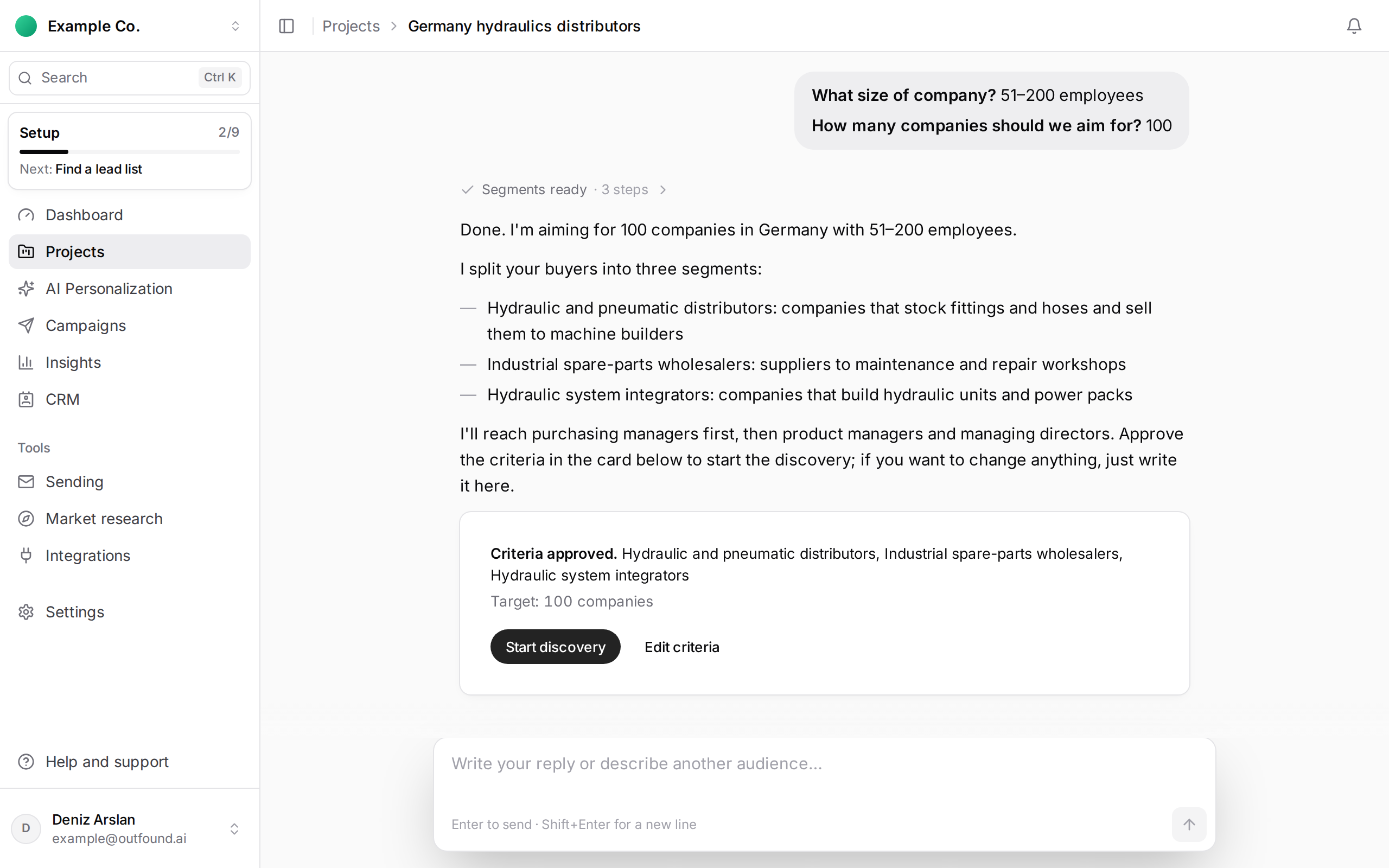
After approving the criteria, press Start discovery. Discovery runs in the background; you follow its progress in the project chat.
How much allowance is used:
- When discovery starts, company discovery allowance equal to the target number of companies is set aside.
- Allowance is used only for each company delivered with at least one new contact. Companies that don't fit, or where no contact is found, cost nothing.
- Companies found beyond the target are added for free.
- If discovery fails with an error, the reserved allowance is returned.
If your remaining allowance does not cover the target, the card says so and lets you start with what is left, or choose a plan to get the full amount.
A workspace can run at most 3 discoveries at the same time. Extra ones show as Queued and start automatically when capacity frees up.